
Crypto payment links. Create. Share. Get paid.
Create a crypto payment link, share it with your client and track the payment through to supported settlement.
The link asks for payment. The record seals it.
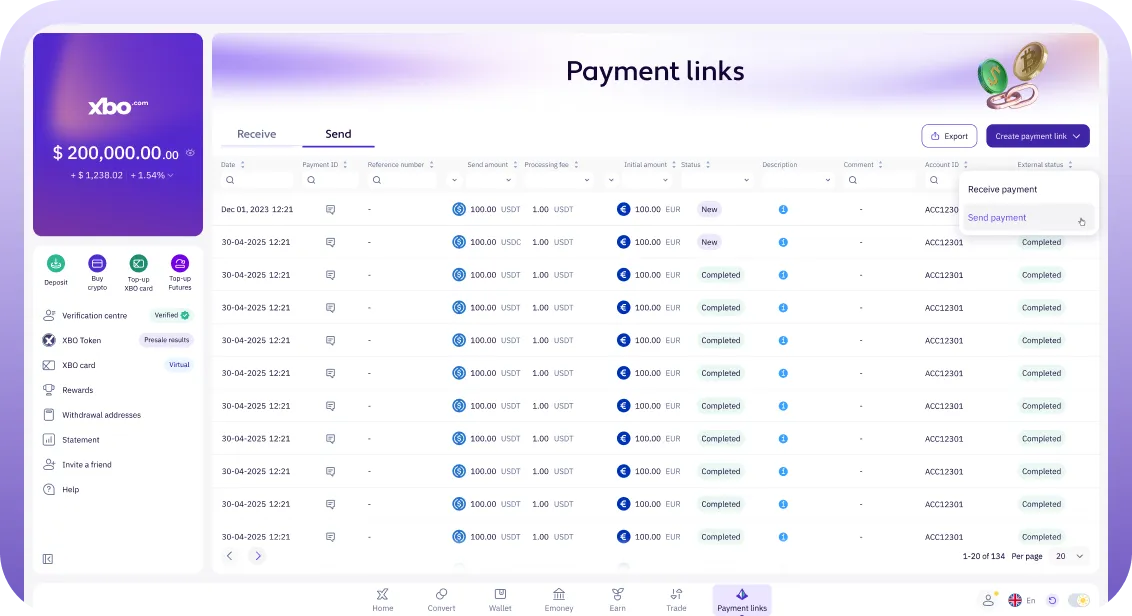
Keep the request visible after the link has been sent. Follow the amount, payment status and settlement record from the account.
-
Create.
Give the payment context.
Set the amount and settlement currency, add a payment reason and short comment, then choose the supported language.
Example payment request
- Payment reason
- Design services
- Comment
- Project deposit
- Amount
- EUR 2,500
-
Share.
Send it where you already talk.
Share the link by email or message, or add it to an invoice from your own invoicing system. Your client follows the hosted payment flow.
Project deposit
Your payment request is ready.
[your payment link]
Use your existing email or messaging channel.
-
Get paid.
Follow the payment through.
Track its status, transaction record and configured settlement. A pending payment must complete within the system-set quote window.
Payment record
- Payment reason
- Design services
- Status
- Visible in XBO
- Settlement
- Your supported configuration
For any business. For any service.
Request payment for your work. Share a link alongside your own invoice. Collect a deposit or one-off payment.
-
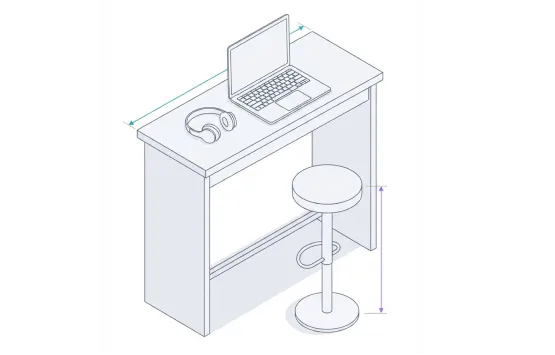
Freelancers & agencies
Request payment for your work. Share a link alongside your own invoice. Collect a deposit or one-off payment.
-

Professional services
-
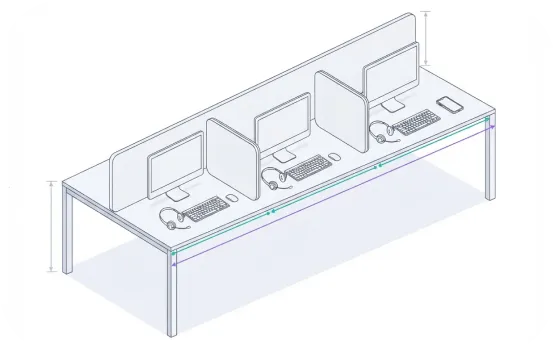
Sales teams
A few things before you send the link.
Details for your next decision.
-
Do we need a developer or website?
No. Create and share a hosted payment link from the account. API integration is an option for supported automated workflows.
-
What information goes into a link?
Set the requested amount and settlement currency, add a payment reason and short comment, and select the supported language. Keep the comment within the product’s field limit.
-
Does XBO generate or attach a PDF invoice to each link?
No per-link PDF invoice attachment is offered here. Add the payment link to an invoice from your existing invoicing system. Scheduled payment reports are a separate feature.
-
Can we choose a due date?
Links use a system-set quote validity window. A pending request that passes that window expires and cannot complete under the old quote. Create a fresh request where needed; this is not a merchant-set invoice due date.
-
How do we know the payment is complete?
Follow its status and transaction record in the account, with notifications and reporting where configured. Your setup determines the supported settlement currency and conversion.
Explore what else your business can do with crypto.
Explore the services that work alongside this one.
-

Crypto Payment API
Connect payment requests, deposit addresses, status callbacks and supported payouts with XBO’s Crypto Processing API.
-

Crypto Payment Gateway
Accept crypto payments at checkout and receive supported fiat or crypto settlement in your XBO business account.
-

Trust Center
Review the entities, security controls, terms and pricing that apply to your business.
-

Virtual IBANs
Use dedicated account details to fund your own XBO balance in supported EUR, USD and GBP routes.
Open your business to the next payment.
Bring Payment Links into your business account and make your next request easier to send.